

Infusion
Displays a visual effect layer that changes the appearance of the components behind it.
Preview
Adjust the parameters to see how they change the effect. The global Infusion switch enables the page-wide effect.
Adjust the sliders below. Notice how it overlays all components in this block.
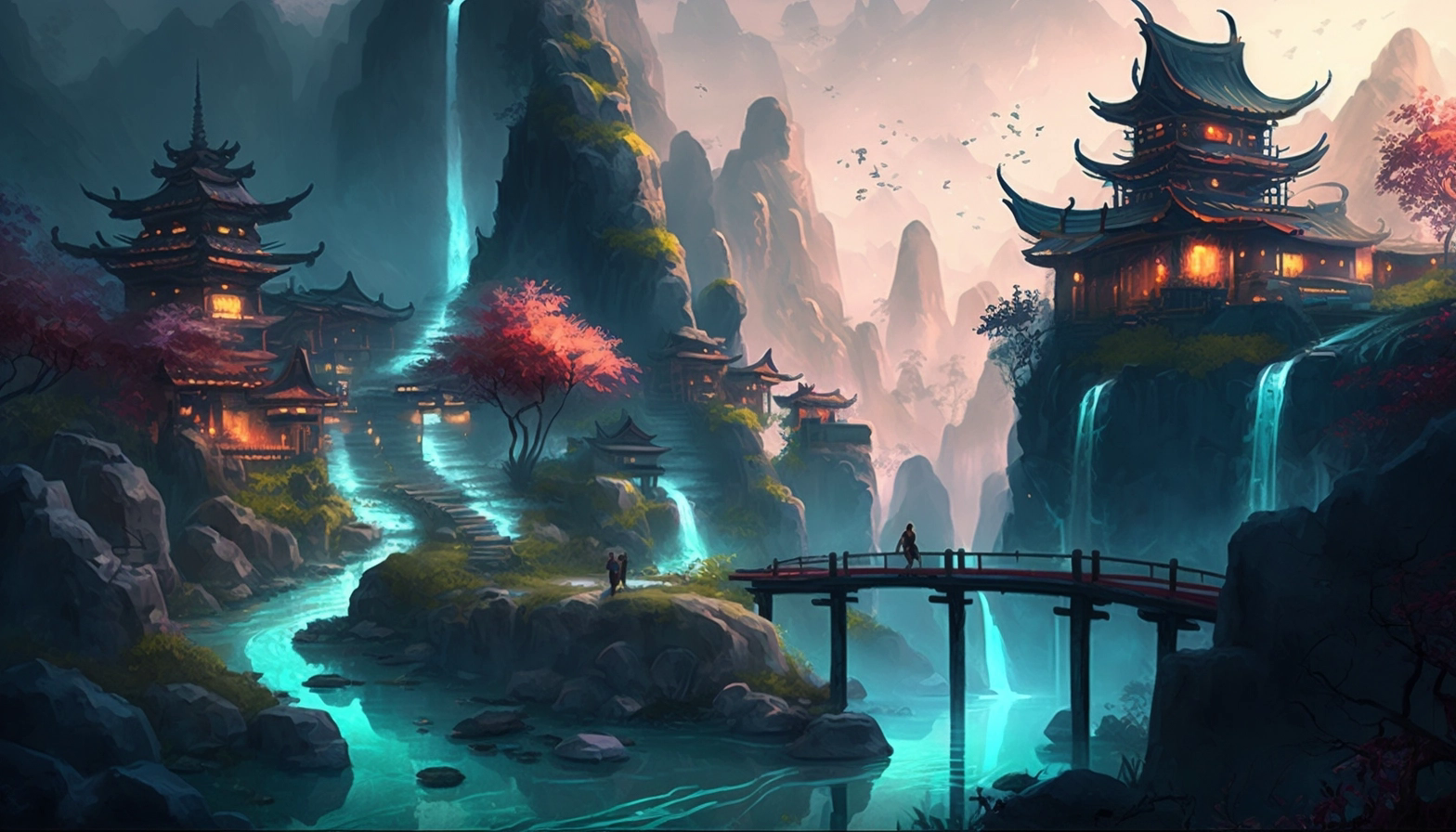
Video
Installation
npx sigma-ui@latest add infusionUsage
<script setup lang="ts">
import { Infusion } from '@/components/ui/infusion';
</script>

<template>
  <Infusion src="/background-image.png" />
</template>
Infusion paints an image, blur, and noise layer. Without relative, the layer covers the page. With relative, it stays inside the nearest positioned parent.
This effect was first built for Sigma File Manager.
Examples
Full-page effect
<template>
  <div>
    <Infusion src="/background-image.png" />
    <div>
      <!-- Page content -->
    </div>
  </div>
</template>
Contained effect
<template>
  <div class="relative h-[400px] overflow-hidden rounded-lg">
    <Infusion
      src="/background-image.png"
      relative
    />
    <div class="relative z-10">
      <!-- Content above the effect -->
    </div>
  </div>
</template>
API Reference
Infusion
Props
| Prop | Type | Default |
|---|---|---|
srcrequiredURL of the image or video used as the background. | string | "" |
opacityOpacity of the media in light mode, from 0 to 1. | number | 0.2 |
opacityDarkOpacity of the media in dark mode, from 0 to 1. | number | 0.3 |
zIndexCSS z-index of the overlay. | number | 100 |
blurBlur radius applied to the media, in pixels. | number | 64 |
noiseIntensityAlpha of the generated noise pixels, from 0 to 1; 0 disables the noise layer. | number | 0.5 |
noiseScaleScale multiplier of the noise tile (256px at 1). | number | 1 |
noiseOpacityOpacity of the noise layer, from 0 to 1. | number | 0.05 |
blendModeCSS | Property.MixBlendMode | "normal" |
relativeFills the nearest positioned parent instead of the whole viewport. | boolean | false |
typeWhether | "image" | "video" | "image" |
Accessibility
The layer is decorative and does not add controls. Keep text on top of it readable, and do not put information into the background image alone.
| Key | Description |
|---|---|
| Tab | Moves focus past the effect. The layer is not interactive. |




